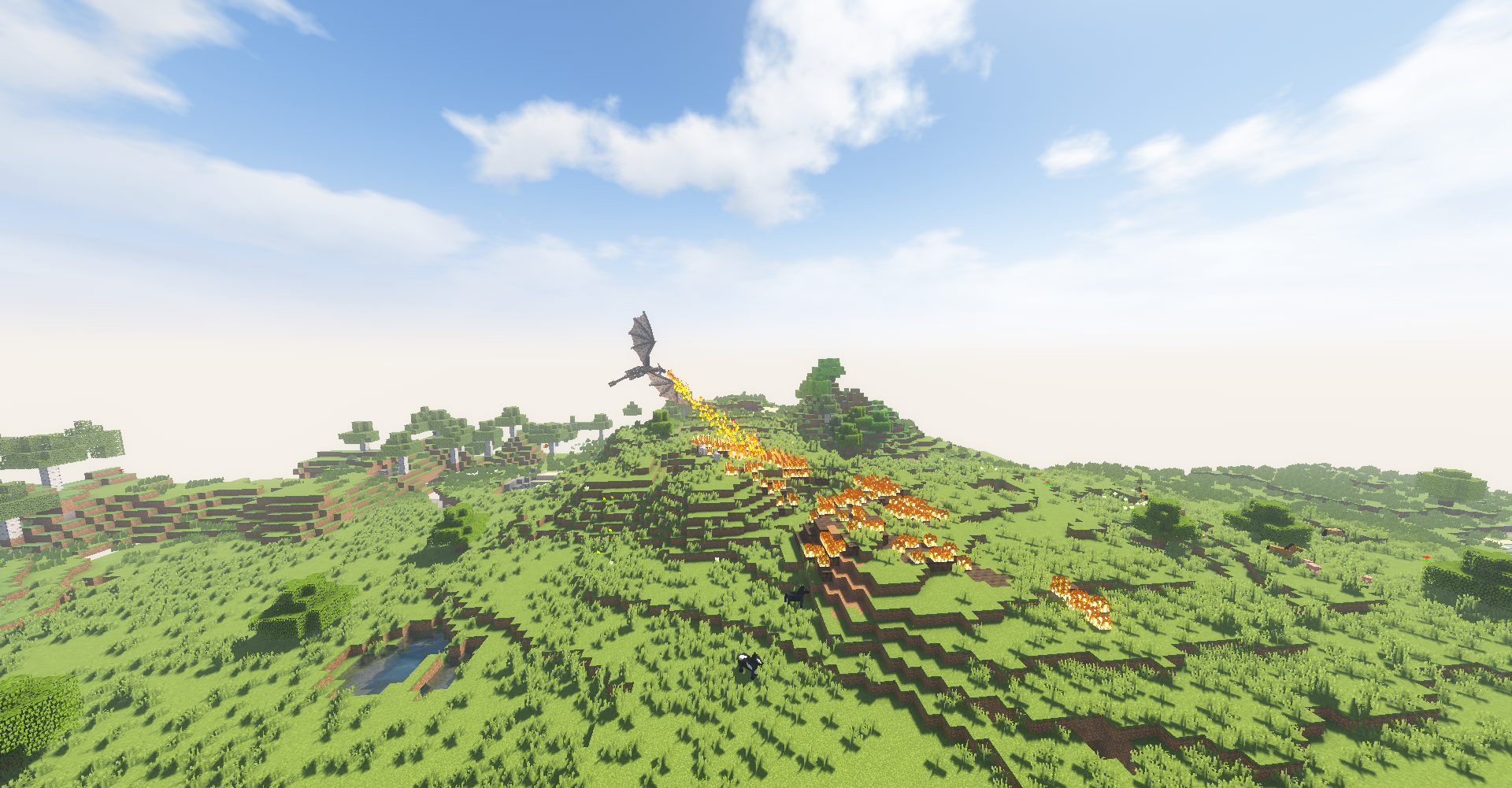
This guide separates practical setup advice from version-specific assumptions. Ice and Fire has multiple release lines and related community projects, so the exact Minecraft version, loader and file name matter more than a generic download label.
Why compatibility is confusing
The name Ice and Fire can point to the original project, older and newer release lines, or the separate Community Edition. Compatibility therefore depends on the exact project, Minecraft version and loader rather than on the name alone.
Original project path
The original public project is well known for Forge-based Java releases. For example, the 1.18.2 line has a stable published release, while later versions include beta builds. Use dependencies and loader versions stated for the file you actually download.
Community Edition path
IceAndFire Community Edition is separately maintained and provides modern-version builds, including 1.21.1 and multiple loaders across its release history. Do not combine original and Community Edition files unless a project specifically documents that configuration.
Forge vs NeoForge
Forge and NeoForge are separate loaders. A mod JAR built for one is not automatically valid for the other. Read the file metadata rather than assuming a 1.21.1 file will work simply because the Minecraft version number matches.
A reliable compatibility checklist
Match four labels before launching: Minecraft version, mod loader, Ice and Fire project/build, and dependencies. If any one of the four is wrong, troubleshoot that mismatch before investigating more complex causes.
Related guides
Continue with the Ice And Fire Mod guide library for installation, compatibility and troubleshooting topics. If you are ready to use the project-provided source archive, visit the Download section.