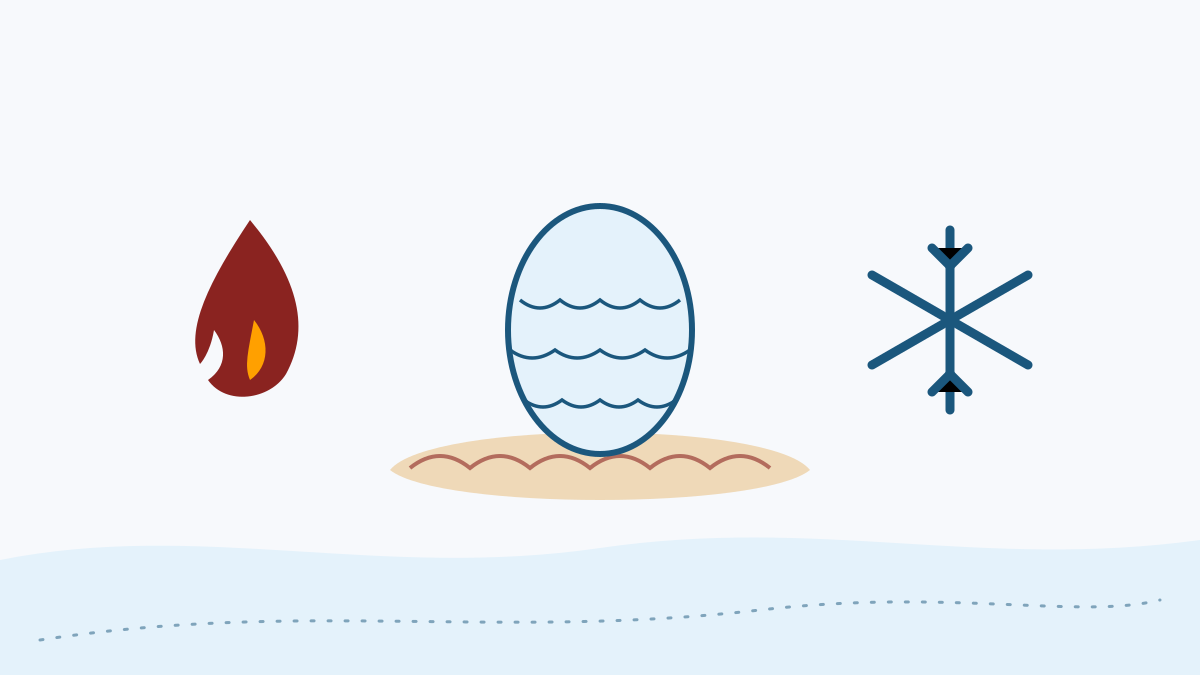
Three kinds of dragons
Dragons roam the world in climates that suit their element, each with its own lair, behaviour, drops and gear.
A Minecraft: Java Edition mod
Raise fire, ice and lightning dragons from the egg, track mythical creatures to their lairs, and forge gear from what you win. This guide explains what the mod adds and how to set it up properly.
Ice And Fire Mod is a large content mod for Minecraft: Java Edition that fills the world with dragons and creatures from myth, along with the structures they guard and the materials they leave behind.
Dragons are the heart of it. They live in lairs, grow through several stages, and can be raised from eggs into companions you eventually ride. Around them sits a wider bestiary: hippogryphs in the hills, cyclopes in their caves, sirens along the coast and myrmex colonies underground.
The mod is created by Alexthe666 and Raptorfarian and built on Forge, with the shared Citadel library as a dependency. Its source code is public on GitHub, which is where the download on this page points.
Along the route
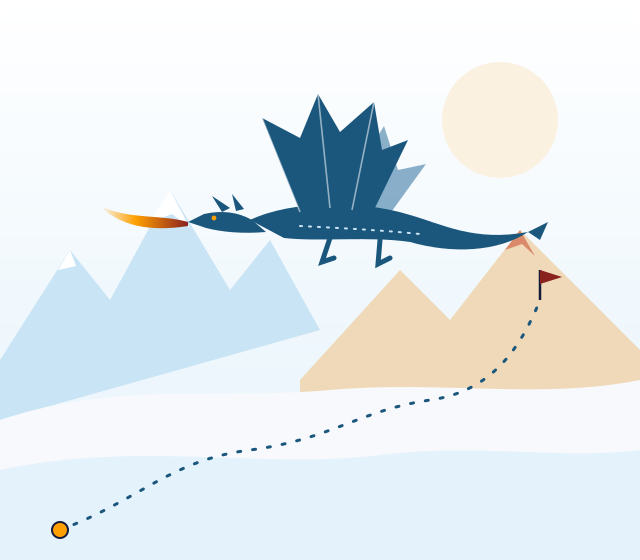
The mod is best understood as a journey: you meet creatures, find their homes, win their materials and, eventually, raise a dragon of your own.
Dragons roam the world in climates that suit their element, each with its own lair, behaviour, drops and gear.
Eggs hatch only in an environment that matches their element. Hatchlings grow through several stages, and a dragon you raise yourself becomes a mount once it is large enough.
Dragon lairs, cyclops caves, myrmex hives, pixie villages and gorgon temples give exploration a purpose, and most are guarded by the creature that built them.
Scales, bones and other drops become weapons, armour and tools. Dragon-scale armour is the classic reward for surviving a lair.
The mod's own book documents its creatures, so you can check behaviour and requirements for your installed version without leaving the game.
Four checkpoints
Getting from download to your first dragon sighting takes four checkpoints. Each one depends on the one before it.
Collect Forge, Citadel and a compiled Ice And Fire jar, all for the same Minecraft version.
Install Forge and launch its profile once so the mods folder exists.
Drop the Citadel and Ice And Fire jars into the mods folder without unzipping them.
Start a fresh world and set out. Dragons and creatures appear as new land generates.
Field notes
The same mod supports very different kinds of play.
Dragons give a long survival world a clear progression: prepare, raid a lair, hatch an egg, raise a mount.
Groups share the effort of dragon hunts. The server and every player need identical mod versions.
Pack makers use it as the adventure pillar of a Forge pack, balancing it with other content through config files.
Dragon fights and first flights make for memorable moments on camera.
The public source, including the branch linked here, is a real-world reference for how a large Forge mod is organised.
Survey of the terrain
Check these before downloading. Every row applies to the 1.18.2 branch linked on this page.
| Requirement | Status | Notes |
|---|---|---|
| Minecraft: Java Edition | Supported | The linked branch targets 1.18.2. Other Minecraft versions need builds made for them. |
| Minecraft: Bedrock Edition | Not supported | Java mods cannot run on Bedrock, including on mobile and consoles. |
| Forge | Required | Use the Forge build for the same Minecraft version. |
| Fabric | Not native | The original mod is a Forge mod. |
| Citadel library | Required | Must match the same Minecraft version. |
| Java runtime | Java 17 | Required by Minecraft 1.18.2 itself. |
| Multiplayer | Supported | Install on the server and on every client, with identical versions. |
| Newer Minecraft versions | See Community Edition | A community-maintained continuation targets newer versions. |
From the journal
Setting up camp
Follow these steps in order. Most install problems come from skipping the first one.
Pick the Minecraft: Java Edition version you want to play and match every file to it. The branch linked here targets 1.18.2.
Run the Forge installer for that version, choose Install client, then launch the new Forge profile once to create the mods folder.
Place the Citadel .jar for the same Minecraft version in the mods folder.
Place a compiled Ice And Fire .jar in the mods folder. A source ZIP will not load; see the note in the download section.
Copy your saves folder before loading any existing world with a large content mod.
Start the Forge profile and confirm Citadel and Ice And Fire appear under Mods on the title screen.
New structures and creatures generate in new chunks, so a fresh world shows the mod best.
The expedition starts here
Get the Ice And Fire Mod source archive for the 1.18.2 branch from the project's public GitHub repository.
Logbook
The download is a branch snapshot rather than a numbered release, so it reflects the branch at the moment you download it. We do not list a version number or release date that we cannot verify.
For dated releases and changelogs, check the file list or commit history on the project's own pages. The Ice and Fire 2 release guide explains how.
Weighing the journey
An honest look at what the mod does well and where it asks something of you.
When the trail goes cold
Start with logs/latest.log and the crash-reports folder in your game directory;
they usually name the cause.
Citadel is missing or built for another Minecraft version. Install the matching Citadel jar.
A source ZIP or unzipped folder is in mods. Only compiled .jar files load.
Files target different Minecraft or Forge versions. Match everything to one version.
You are exploring already-generated land. Travel to new areas or start a new world.
Test with only Citadel and Ice And Fire, then add other mods back in groups. The crash troubleshooting guide covers the method.
Index of questions
Twenty common questions about Ice And Fire Mod, split into setup and gameplay.